
Overview:
Users are expected to consent to website cookies without being given clear, understandable insight into what those cookies actually do. Current browser interfaces rely on vague language and hidden technical systems that make meaningful consent inaccessible to most users.
As tracking systems become more dynamic, through practices like attribution hijacking, first-party tracking abuse, and cookie overwriting, users lack tools that reveal how cookies behave after consent is given. This project explores how browser UI can transform cookies from invisible background processes into transparent, understandable, and actionable systems.
Problem
+ Visibility
+ Comprehension
+ Ongoing Transparency
Goal's
Chromes Gaps
in Transparency
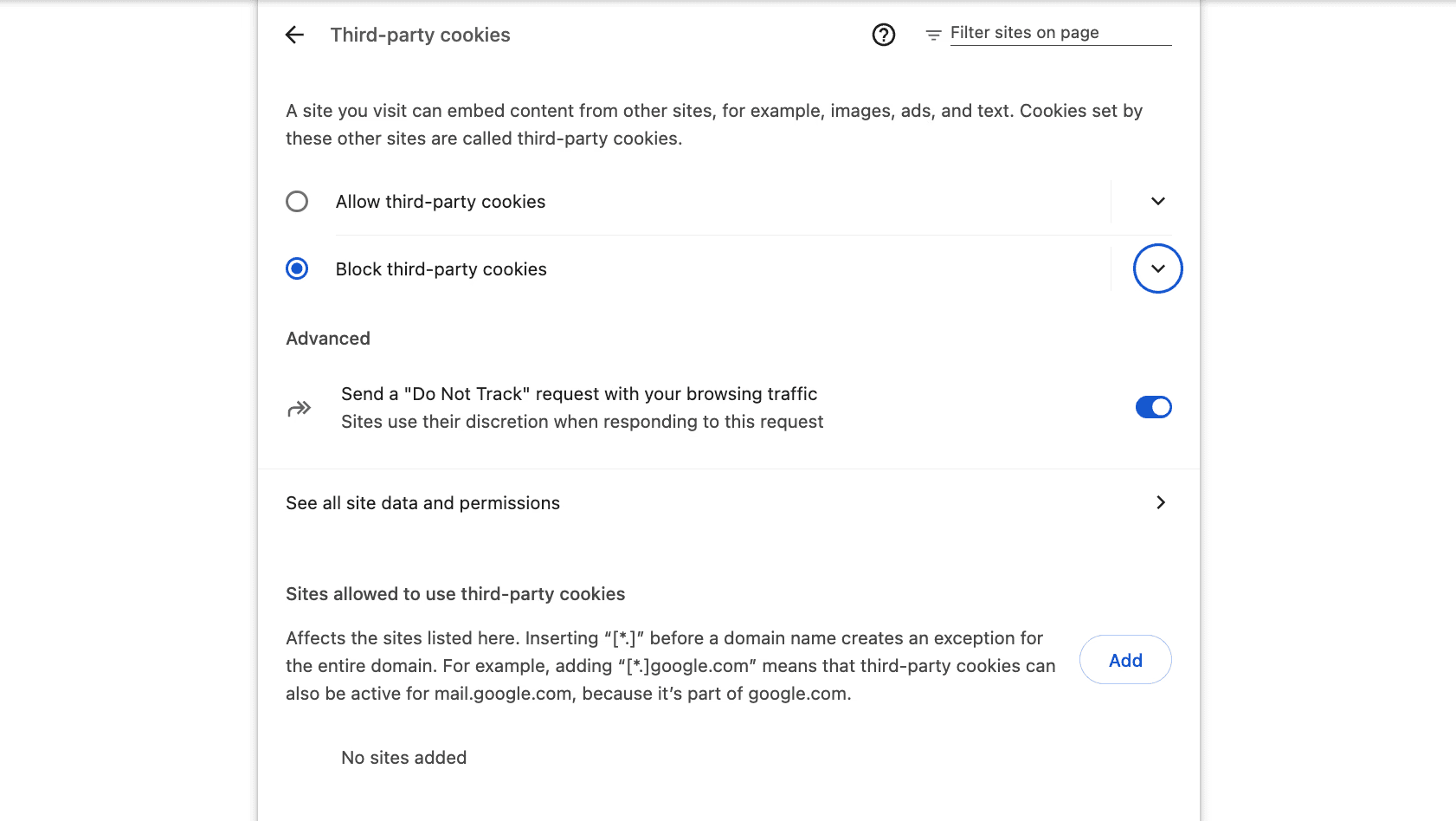
Chrome displays domains, cookie counts, and permissions, but offers little explanation of what these systems do or why they are active. Technical language and vague labels make meaningful understanding difficult for non-technical users.
(Big gap between comprehension as well as meaning and chromes prefrences)
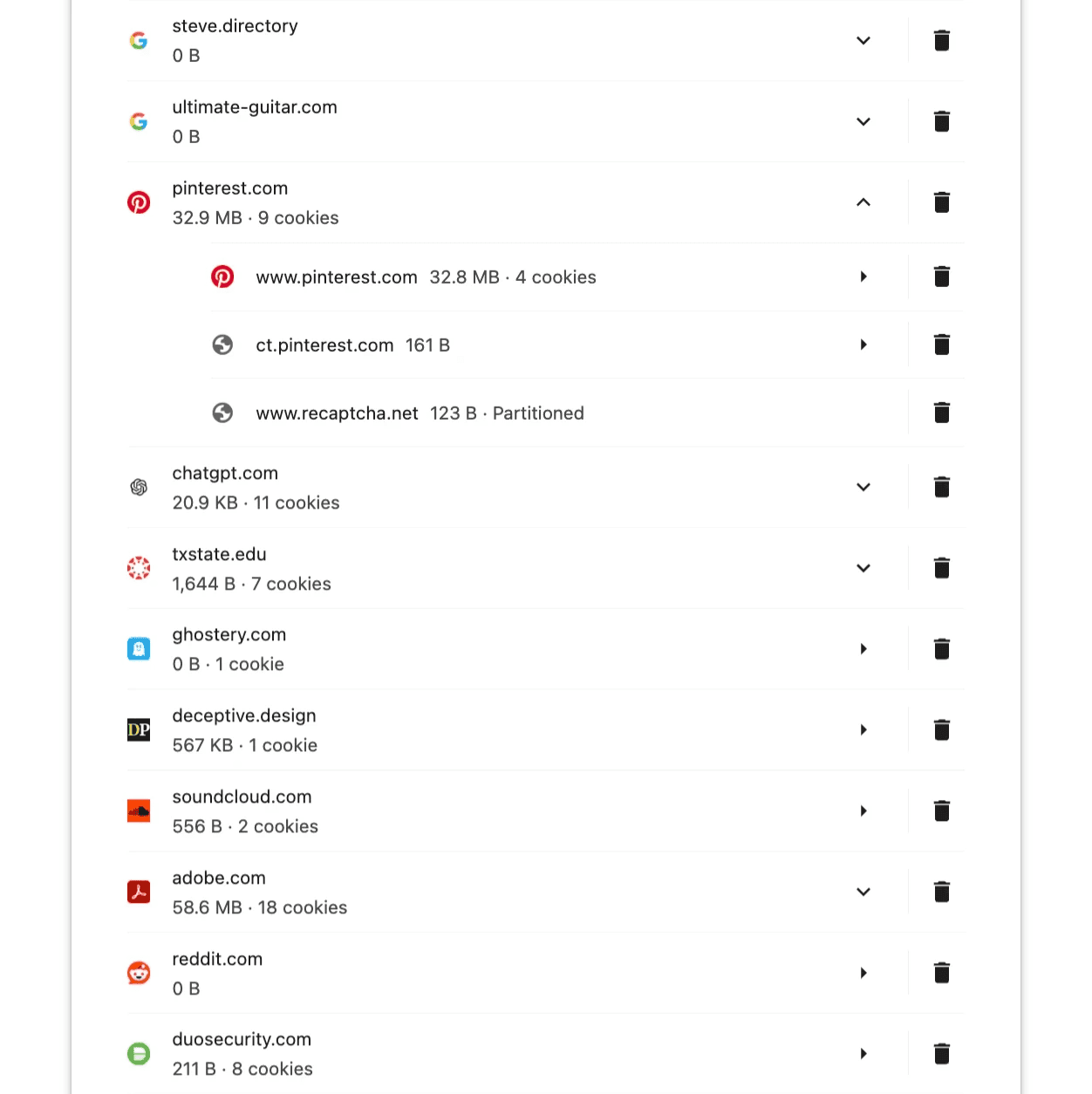
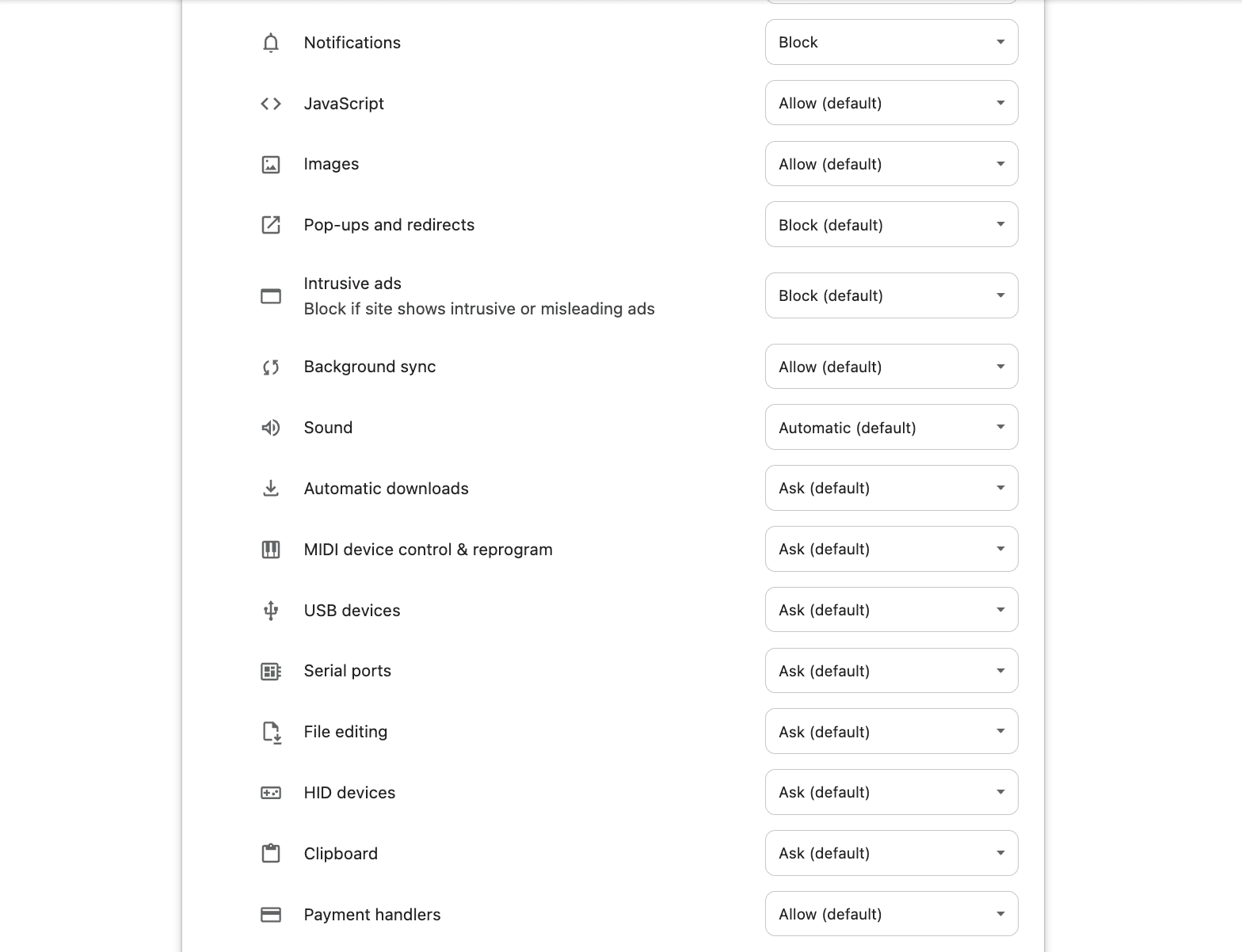
Chrome offers privacy and permission settings, but they are buried within browser menus and disconnected from the browsing experience. While users technically have control, these tools are difficult to access at the moment decisions about tracking actually matter.
(Lacking visibility & access)
Why Transparency
& Monitoring Matters
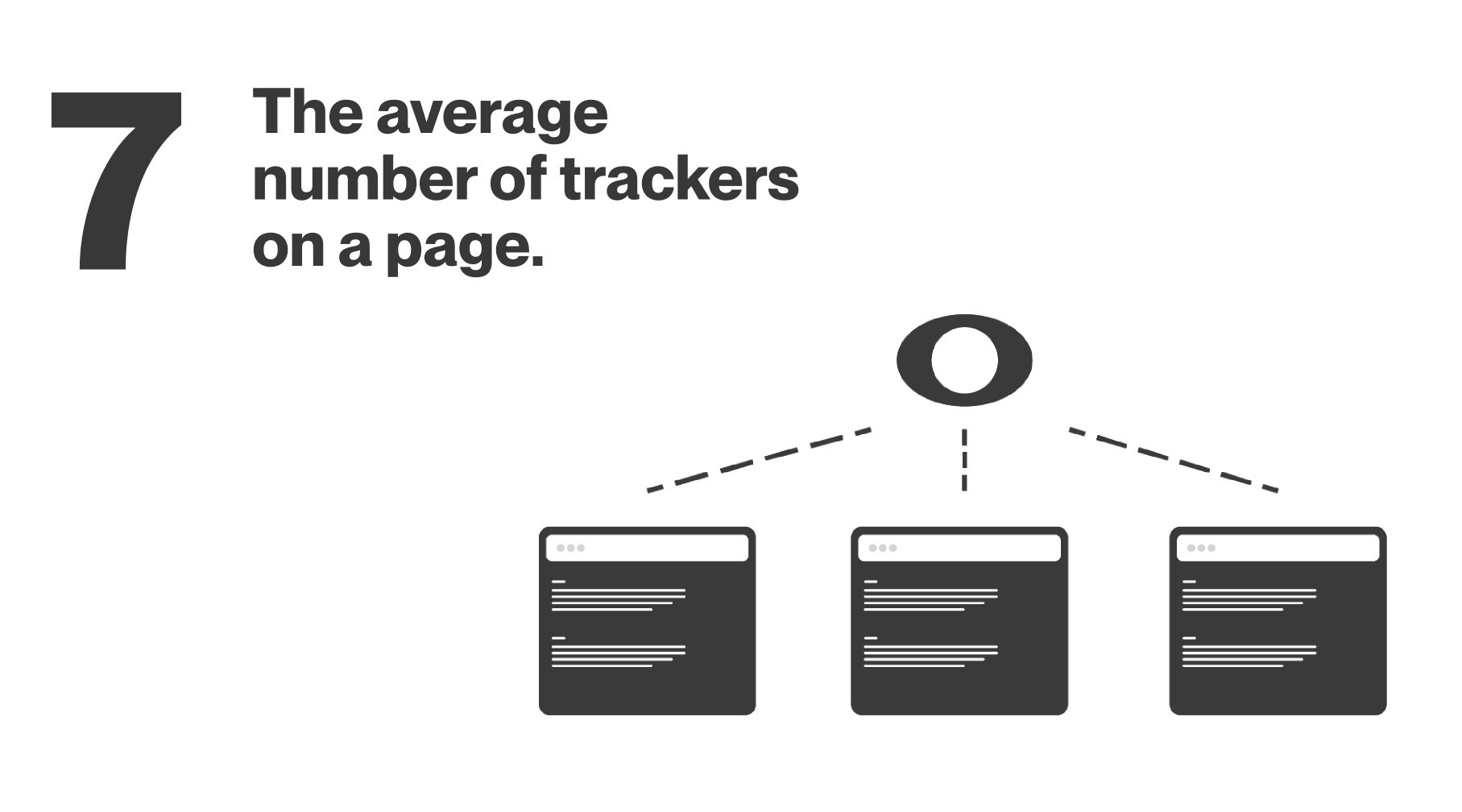
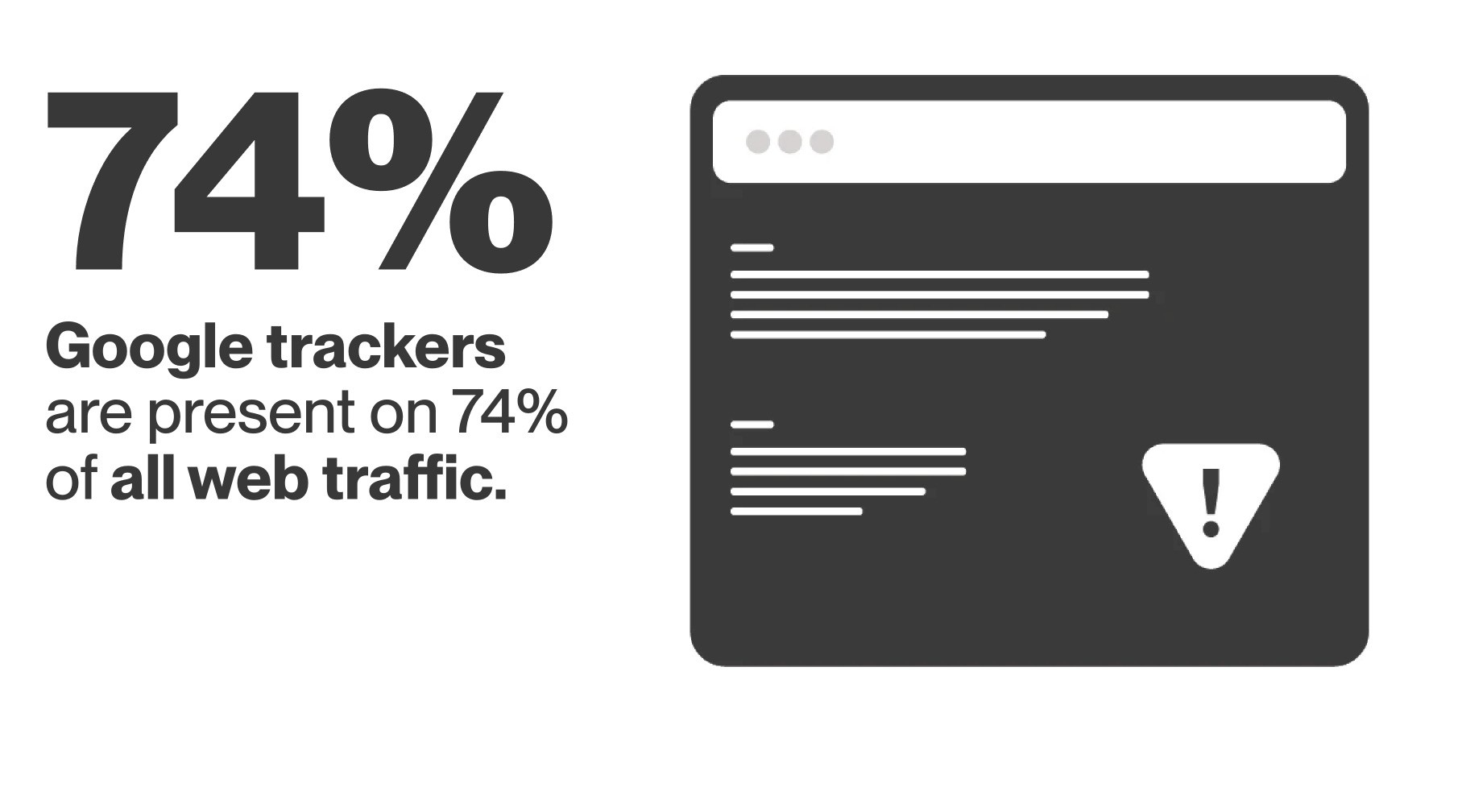

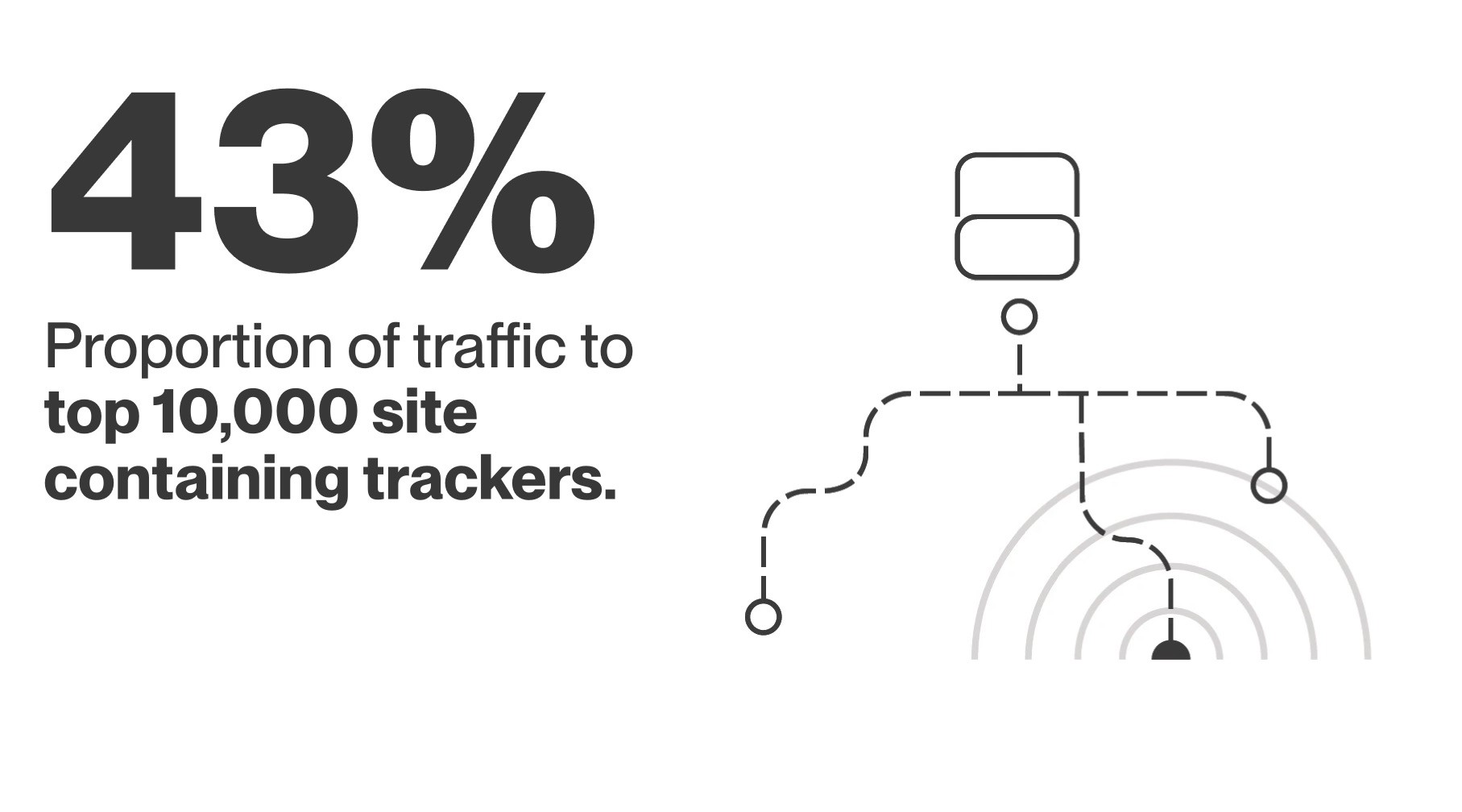
Cookie Stuffing
Cookie stuffing is a tracking abuse method where cookies can be placed, redirected, or modified without clear user awareness. These methods show why cookie activity should be visible in the browser, not buried in settings.
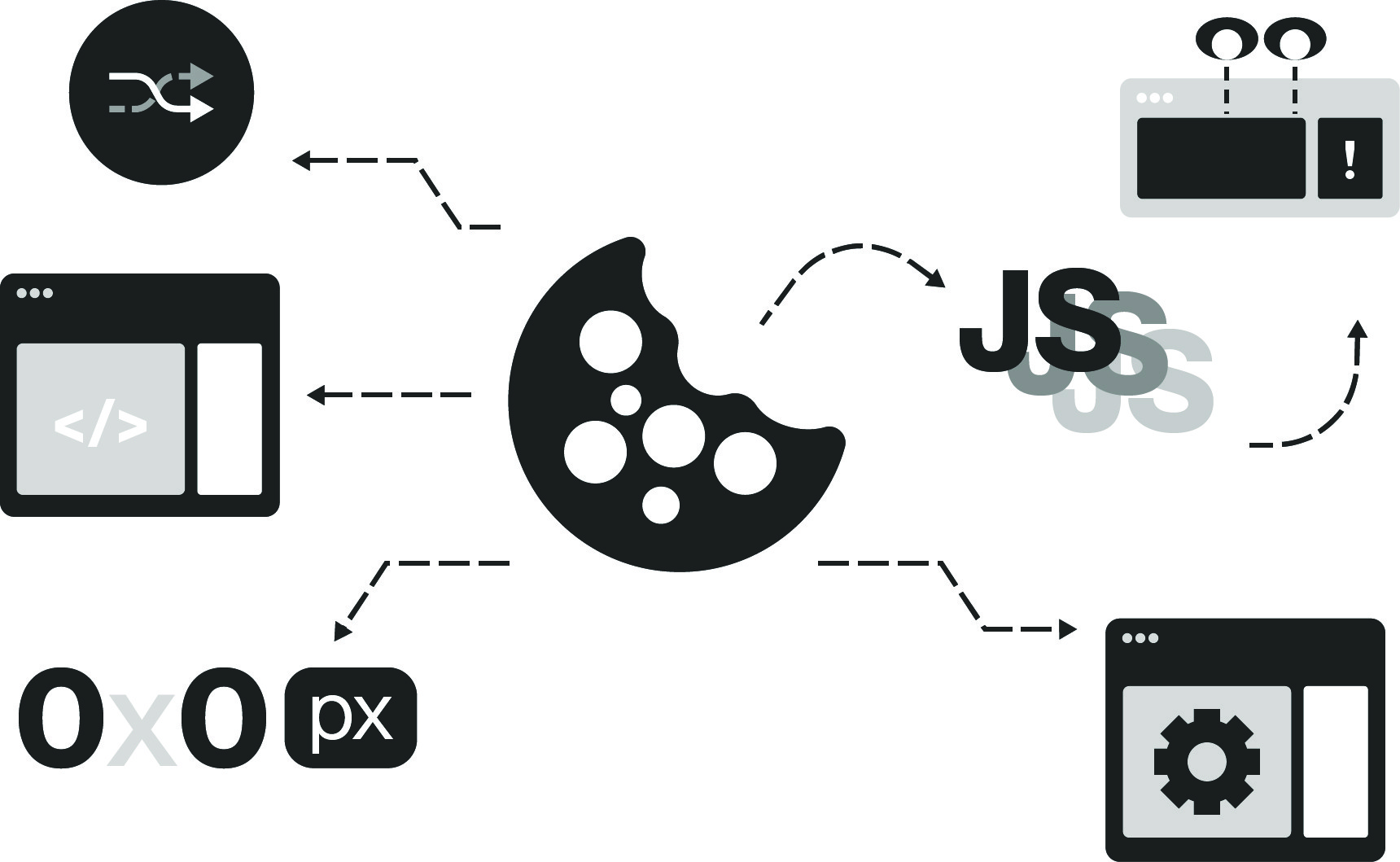
Hidden iFrames
Invisible embedded pages can load in the background and place cookies without the user knowingly visiting or interacting with them.
JavaScript Redirects
Scripts can move users through hidden redirects, dropping or modifying cookies between page loads without clear notice.
Pop-ups & Pop-unders
Unexpected windows or background tabs can load affiliate pages and place cookies without meaningful user intent.
Pixel Stuffing
Tiny hidden images or tracking pixels can trigger cookie placement while appearing invisible within the page design.
Cross-Site Scripting
Malicious scripts injected into vulnerable websites can trigger cookie activity when a user loads or interacts with the page.
Honey/Paypal Extension
Affiliate Poaching
This case shows why cookie and tracker behavior should not be treated as a one-time consent decision. Tracking relationships can change during normal browsing, especially through third-party extensions or checkout interactions.
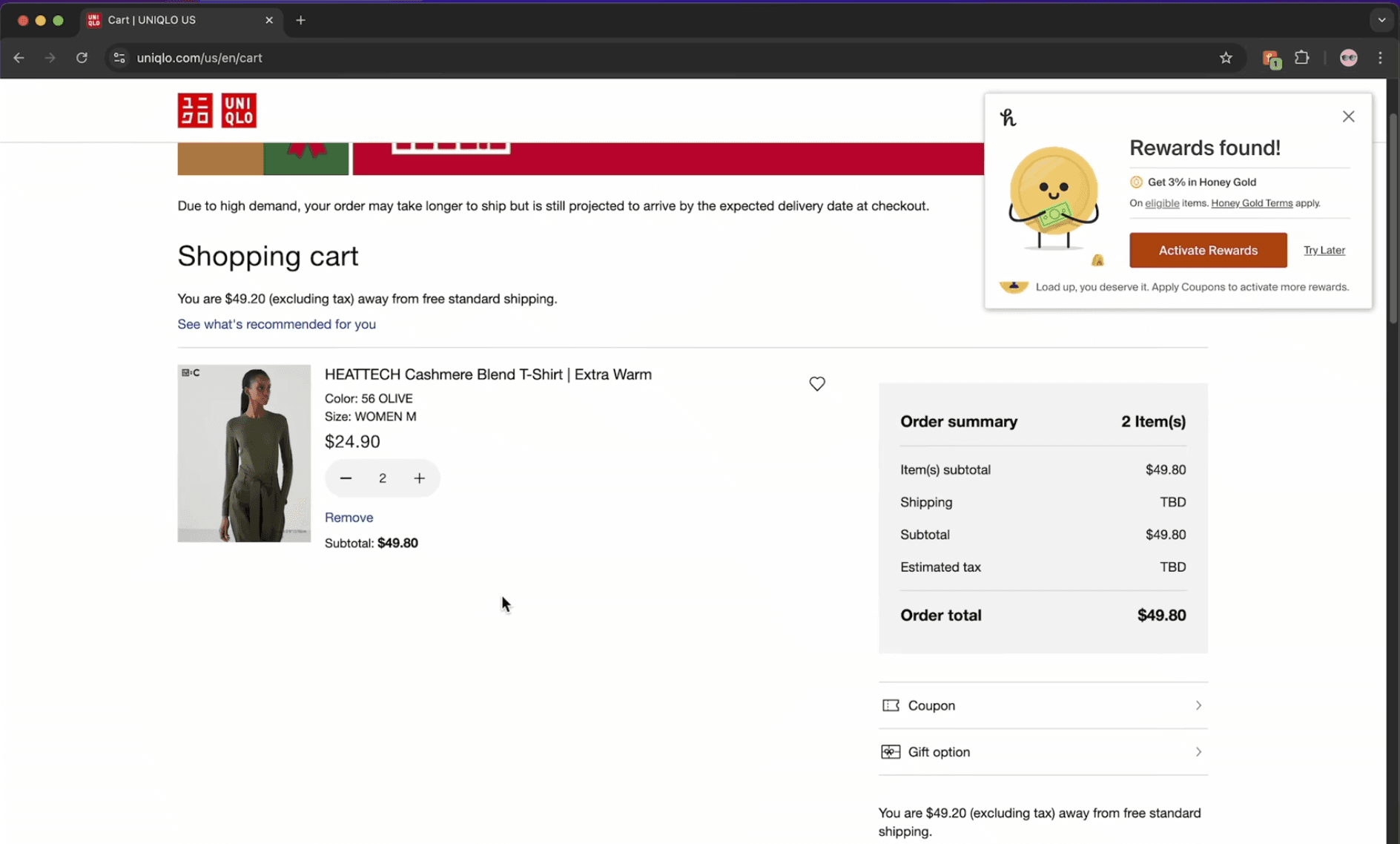
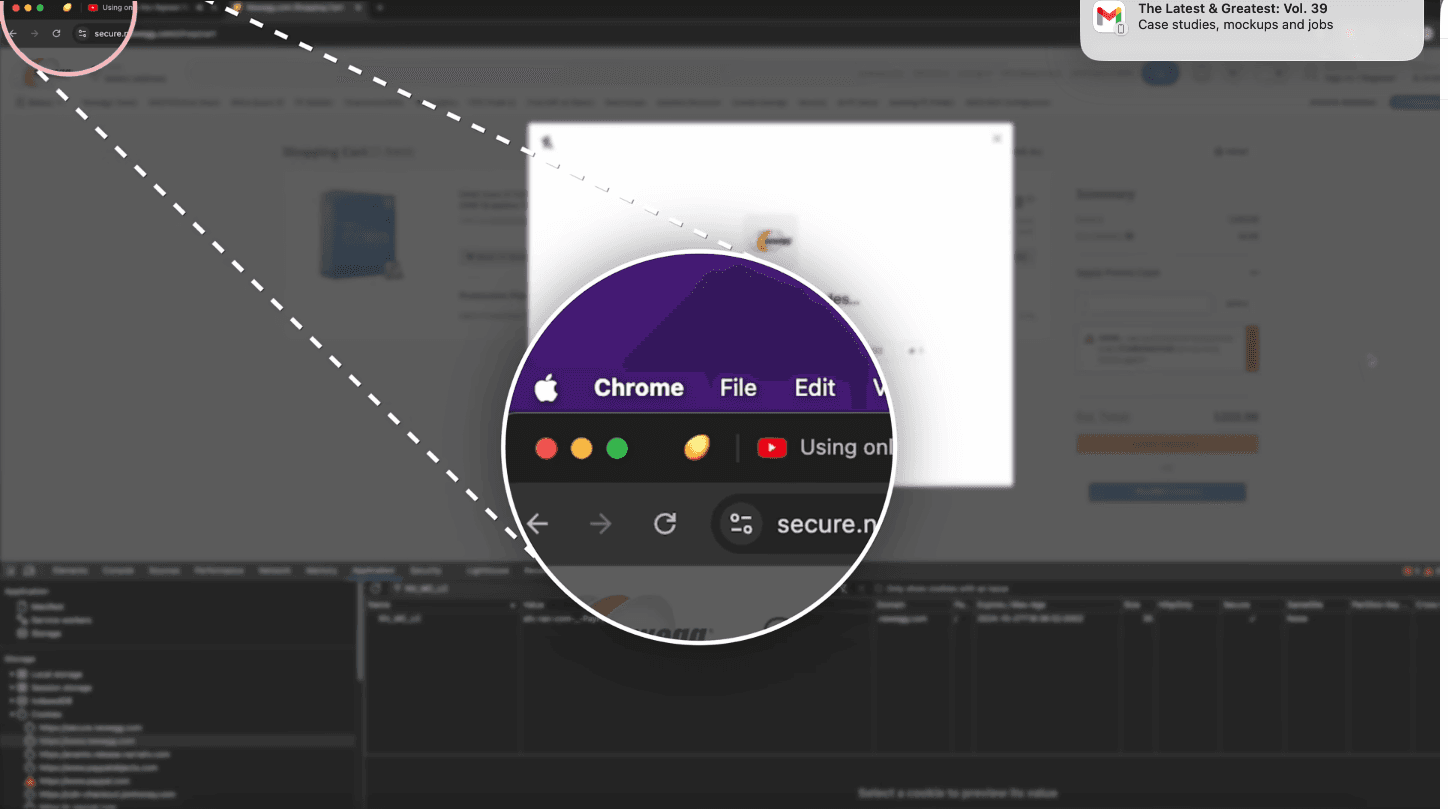
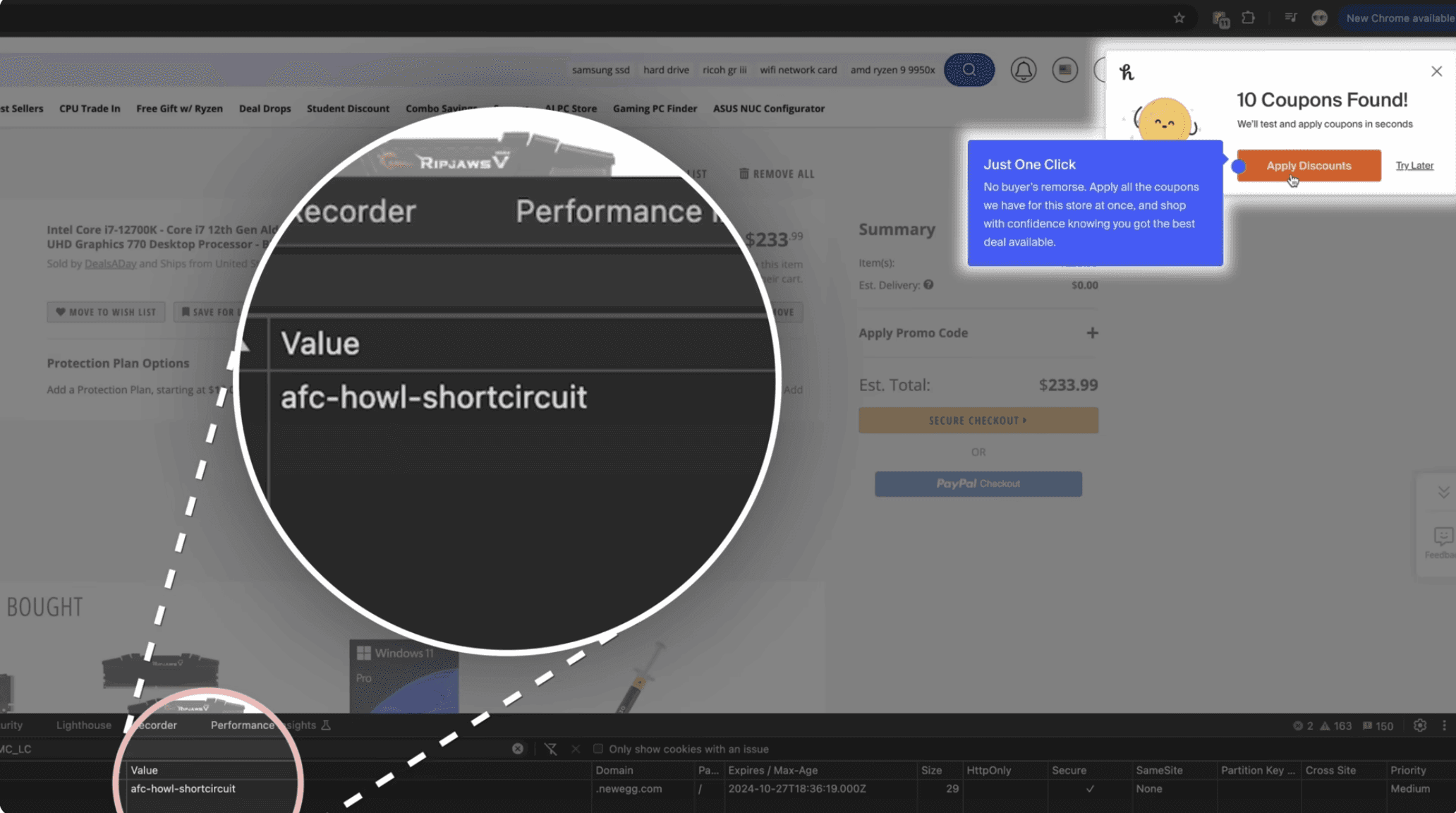
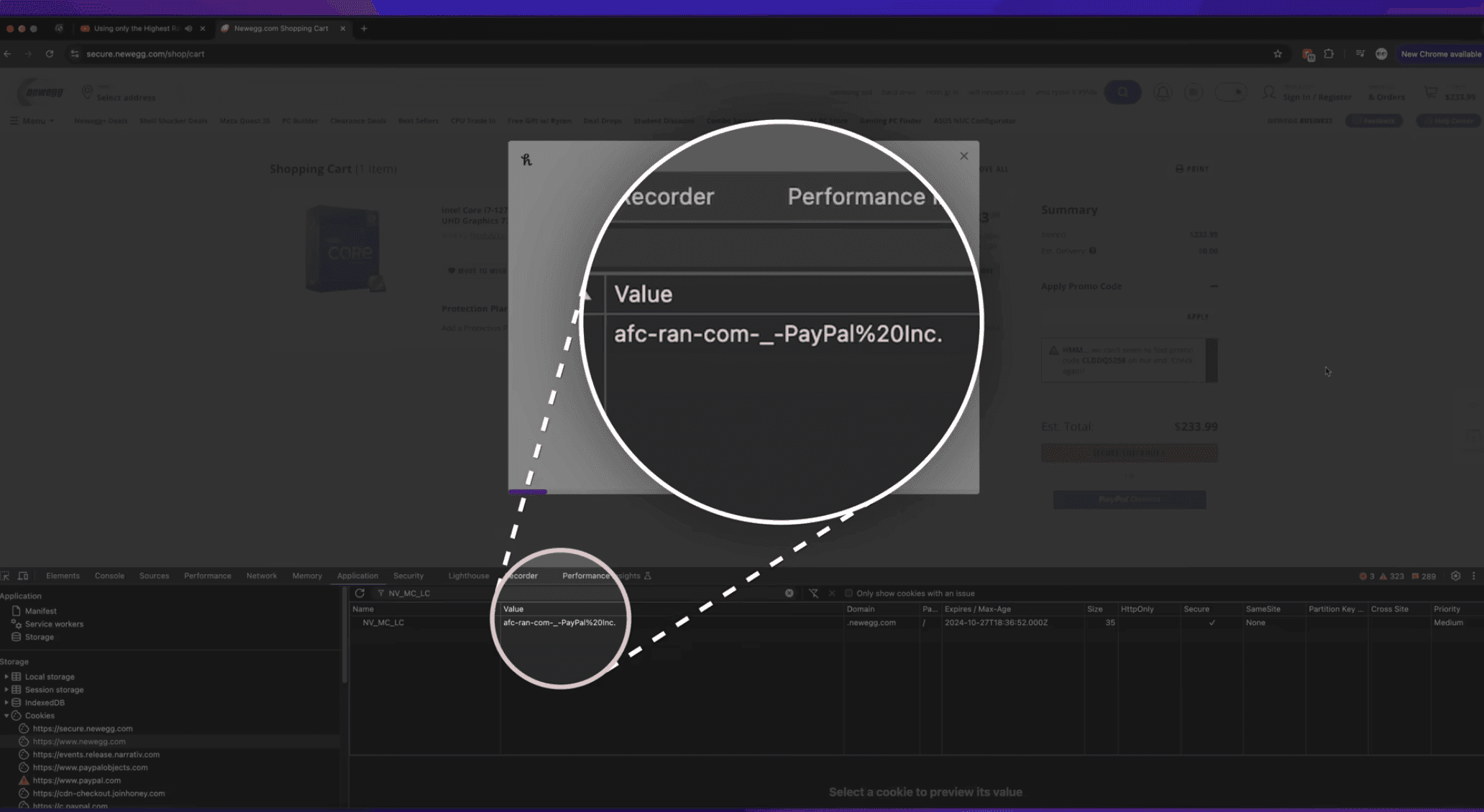
Scandal Summary
It was found that when a user arrived at a store through a creator’s affiliate link, Honey could later swap in its own tracking link (cookie) or affiliate attribution after the user interacted with the Honey pop-up, allowing Honey/PayPal to receive credit for the sale instead of the original creator.
How does "Poaching" happen
A later legal complaint describes this as a hidden attribution process: Honey allegedly tracked whether an affiliate ID was already present, opened a “Secret Tab” after the user clicked “Activate Cash back,” and replaced the original affiliate ID with PayPal’s ID in the browser’s tracking flow.
Takeaways:
This example underscores how third-party extensions can alter tracking behavior after consent, demonstrating why users need clear visibility into cookie changes as they occur.
Cookies Manager Tab : Solutions
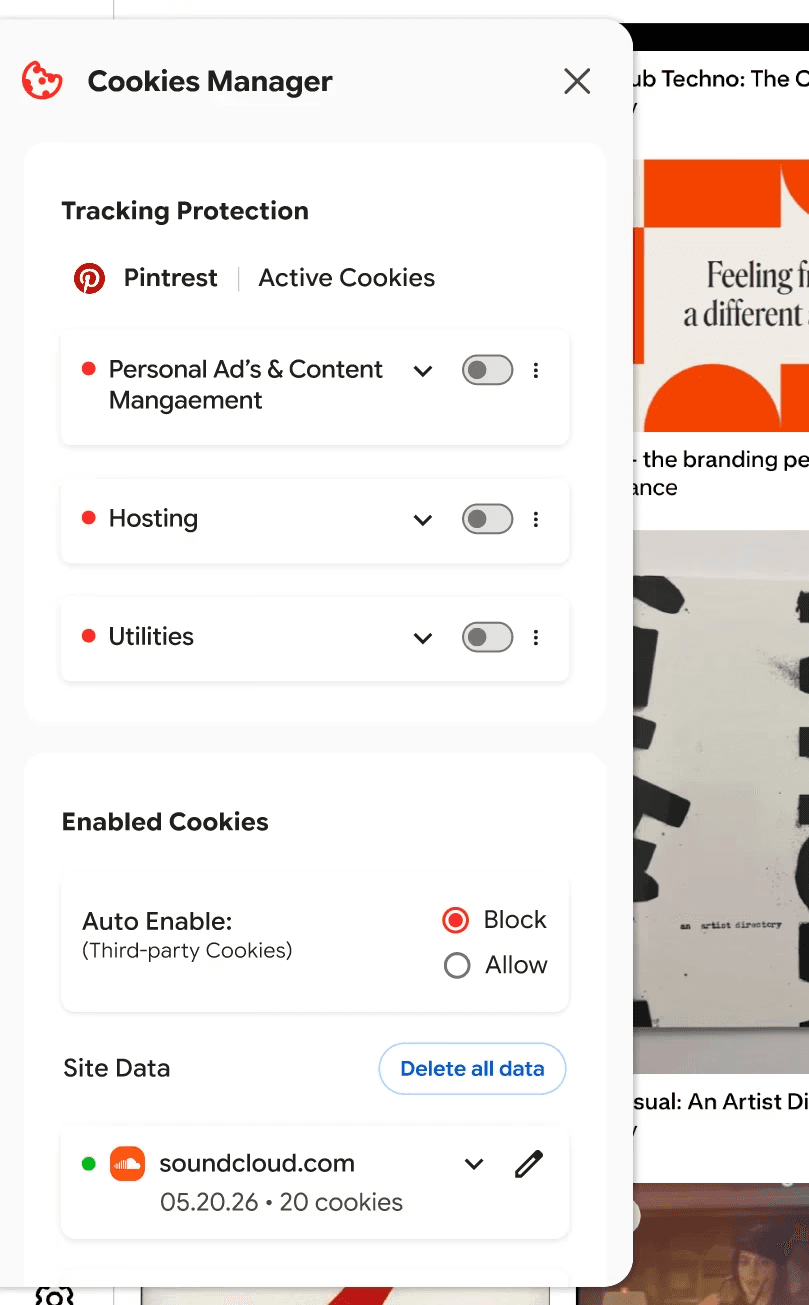
Tracking Protections:
Shows users which trackers and cookies are active on the current site, who is collecting the data, and what each system does in plain language. The panel separates essential utilities from tracking functions, making it easier to understand and control what is enabled.
Third-party Prefrences:
The third-party cookie panel gives users a consistent place to review which sites they are currently sharing data with. Rather than replacing Chrome’s existing settings, this feature makes those preferences more visible by showing active domains, cookie status, and saved site data in one accessible panel. From there, users can understand what is still active and be directed to the proper local settings to edit or remove permissions.
Banner Reminders
→
The banner appears when a user moves between sites, reminding them that cookies from a previous domain may still be active. This lightweight reminder does not interrupt browsing, but it keeps tracking activity visible enough for users to notice, review, and manage.
Solves passive consent by reminding users that cookie activity can continue after they leave a site.
Behavior Alerts
→
The alert system takes a realistic approach by flagging observable browser-level changes, such as new third-party cookies, modified tracking activity, expanded cookie scope, or unexpected changes during checkout. It does not claim to prove hidden server-side fraud; instead, it surfaces questionable behavior that would normally remain invisible.
Solves ongoing transparency by notifying users when cookie behavior changes in ways that may deserve attention.